Autopath Alternative? PathSweeper vs CGS Labs Autopath Compared

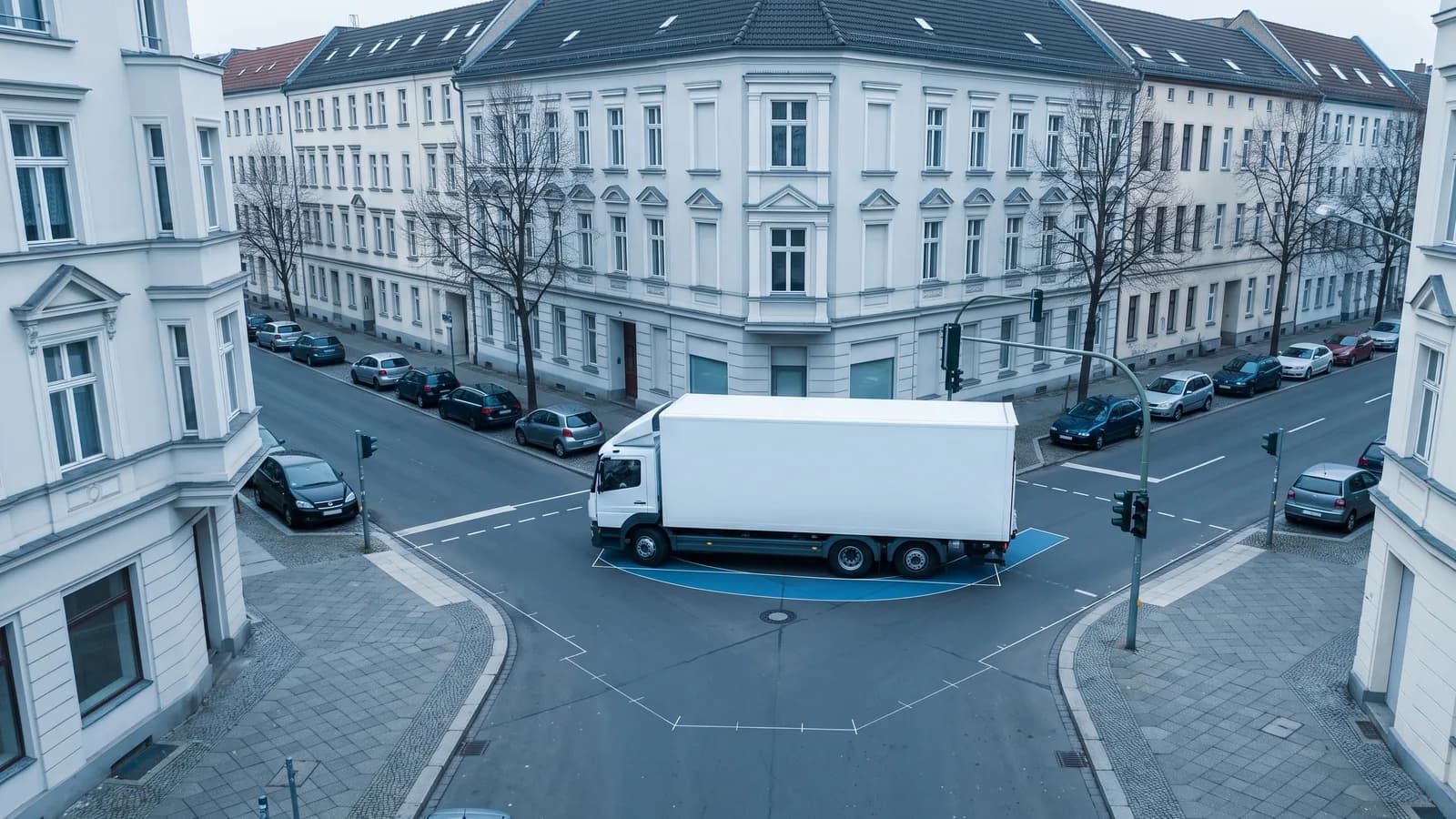
If you are looking for an Autopath alternative, the reason is probably the vendor's own notice: CGS Labs Autopath is no longer available for new purchases, renewals move to AutoTURN from 2027, and support ends in January 2029. Autopath is a swept path add-on for AutoCAD, Civil 3D and BricsCAD. Transoft Solutions, which now owns CGS Labs, writes that the two companies had been "key competitors in the EMEA region" with AutoTURN and Autopath. This page compares Autopath with PathSweeper as of 18 October 2026, the date we read the vendor pages.
A word on where this comes from: PathSweeper is our own product (about PathSweeper). Every statement about Autopath below rests on the public pages of CGS Labs and Transoft Solutions listed in the sources, and quotations from them are marked as such. There is a section on when a CAD add-in like Autopath or AutoTURN remains the better choice.
The short version
Autopath works inside the CAD drawing and needs a 64-bit installation of AutoCAD, Civil 3D or BricsCAD; it comes with a long list of national vehicle libraries. PathSweeper works in the browser on an imported site plan and hands the result back to CAD as a DXF or DWG file. In October 2026 the biggest difference is not technical: Autopath cannot be bought new any more, and existing licences are being moved to AutoTURN at renewal. Looking for an Autopath alternative today really means choosing between AutoTURN, which CGS Labs and Transoft point you to, and the rest of the market.
Autopath and PathSweeper at a glance
| PathSweeper | Autopath | |
|---|---|---|
| Runs in | Browser (Chrome, Edge, Firefox), nothing to install | Add-on for AutoCAD 2018 to 2027 (not LT), Civil 3D 2018 to 2027, BricsCAD Pro, BIM and Ultimate V22 to V26; 64-bit only |
| CAD licence needed | ✗ | ✓ |
| Available to new customers | ✓ | ✗ "Autopath is no longer available for new purchases" (CGS Labs) |
| Free tier | ✓ Four generic vehicles, JPEG/PNG site plans (PDF needs a free account), image and PDF export | ✗ Shop page lists paid editions only |
| National libraries | 116 design vehicles from 11 national libraries (Project Pass) | Libraries for around two dozen countries, including the USA (AASHTO), Canada (TAC), the UK (FTA), Ireland, Australia and New Zealand |
| Custom vehicles | ✓ Creator in the browser, including articulated combinations; free to build | ✓ Multiple axles, steering options, free contour |
| Reverse manoeuvres | ✓ Including semi-trailers, centre-axle trailers and articulated buses, with articulation-angle monitoring | ✓ Animation preview forward and in reverse |
| 3D | ✗ | ✓ 3D vehicle animation (Ultimate edition) |
| Site plan input | JPEG, PNG (free); PDF (free account); DWG up to 80 MB, DXF, 12d XML, satellite imagery (Project Pass) | Works directly in the open CAD drawing |
| Output to CAD | Layered DXF and DWG with a reference point (Project Pass) | The swept path stays in the drawing as CAD objects |
| How it is sold | Free tier, €39 per project or €399 per year | Closed to new purchases since October 2026; CGS Labs publishes no list price on its own pages |
What Autopath is
CGS Labs describes Autopath as "a professional software solution for vehicle swept path analysis used by civil engineers, transportation professionals, architects, and urban planners." It is not a standalone program but an add-on that runs inside the CAD application. The product page lists AutoCAD 2018 to 2027 except AutoCAD LT, Civil 3D 2018 to 2027, and BricsCAD Pro, BIM and Ultimate V22 to V26, and supports only 64-bit versions.
CGS Labs names roads, intersections, roundabouts, hairpin turns, underpasses and overpasses, and garages, parking spaces and intervention routes as places where Autopath checks transportability; the page does not name a separate parking layout or roundabout design module. The EasyDrive method includes an interactive animation preview forward and in reverse, horizontal and vertical simulations let you check lateral clearances and heights, and a steering and wheel angle diagram updates automatically. The English page adds 3D vehicle animation, a steering wheel report and collision detection.
Behind it is CGS Labs, headquartered in Ljubljana with offices in Germany, the Czech Republic, Serbia and the USA. On 17 June 2025 Transoft Solutions, the maker of AutoTURN, announced that it had acquired CGS Labs.
Autopath is moving to AutoTURN: the timeline
On 17 September 2026 a post on the CGS Labs blog, written on behalf of Transoft, announced that Autopath customers are moving to AutoTURN. The reason given in the post: "Keeping two separate swept path tools introduces complexity and slows down the development of the improvements you deserve." The product page now carries the banner "Autopath is no longer available for new purchases. AutoTURN is now the swept path analysis solution available."
Transoft's customer FAQ sets out the dates:
- October 2026: AutoTURN becomes the only swept path product for new purchases. Multi-year and short-term (30- and 90-day) Autopath renewals end; only standard one-year renewals remain.
- January 2027: every Autopath renewal is offered as a conversion to an AutoTURN subscription, with a migration offer at the time of renewal. The size of that offer is not published.
- Through 2028: Autopath remains supported, and licence holders can run both tools in parallel.
- January 2029: Autopath reaches end of life. There is no more technical support, no compatibility updates and no bug fixes, and renewal requests are declined.
Anyone with access to Autopath through an Autopath licence, Traffic Collection, Plateia Verkehrsausstattung or Plateia Ultimate with a valid subscription or CGS Labs Software Maintenance gets "complimentary AutoTURN Pro access for the remainder of your current Autopath license term, plus a year of free access to the on-demand training", according to the blog post. Transoft says the Autopath standard vehicle content will be included in AutoTURN and that AutoTURN will support importing custom Autopath vehicles via XML. Before Autopath is retired it aims for feature parity, naming additional language support, CAD entity export, dynamic steering reports, dynamic turning templates and the XML import.
A comparison with Autopath is therefore mostly a comparison with AutoTURN on the desktop. For AutoTURN Online in the browser, see PathSweeper vs AutoTURN Online.
Feature comparison
The Autopath column follows CGS Labs' and Transoft's pages as of 18 October 2026. "Not stated" means we found no statement on those pages, which is not the same as confirmed absent.
Platform and workflow
In Autopath you stay in the drawing you are designing in, and the swept path is one more object next to the alignment, the kerbs and the markings. In PathSweeper you bring the site plan into the browser, check the manoeuvre there and take the envelope back as a DXF or DWG. That is one extra step; in return there is no tie to a CAD release, the check runs on any computer, including a client's or a council officer's, and getting started costs nothing.
Vehicles
| PathSweeper | Autopath | |
|---|---|---|
| UK | DB32, FTA 2016 and LFB fire appliances (Project Pass) | "United Kingdom (FTA 2016, FTA 1998)" |
| USA | AASHTO 2018 (Project Pass) | "AASHTO 2014 (Imperial / Metric), AASHTO 2011 (Imperial / Metric)" |
| Australia | Austroads 2023 and AS 2890, including B-doubles and road trains (Project Pass) | "Australia 1993, Australia 2013, Australia 2018" |
| Canada, Ireland, New Zealand | No library for Canada or Ireland; enter the vehicle in the custom vehicle creator. No New Zealand-specific library either, but the Austroads 2023 vehicles (sold as Australia/NZ) are in the Australian library | "CANADA TAC 2017", "Irish national vehicle library", "New Zealand 2007, Auckland Transport 2022, Auckland Transport 2016" |
| Custom vehicles | Creator in the browser; building and saving free, use in a project with the Project Pass | Customise library vehicles or create new ones "with multiple axles, steering options and unlimited vehicle contour or shape definition" |
| Combinations | Semi-trailers, drawbar and centre-axle trailers, articulated buses, B-doubles and road trains in the libraries | Vehicles with several trailers, telescopic trailers, semi-trailers for abnormal loads |
| Several steered axles, all-wheel steering | ✗ | ✓ Articulated buses and vehicles with several steered axles; all-wheel steering for cranes |
| Rear-steered vehicles | ✗ | ✓ Since release 2023.1 (forklifts, harvesters) |
Manoeuvres and checks
| PathSweeper | Autopath | |
|---|---|---|
| Reverse | ✓ Including semi-trailers, centre-axle trailers and articulated buses (not turntable drawbar trailers, doubles or road trains), with articulation-angle monitoring | ✓ Interactive animation preview forward and in reverse |
| Steering while moving | ✓ Rate-limited steering; preview free, save and export with the Project Pass | Steering-rate limit not stated (steering and wheel angle diagram with automatic updates) |
| Height checks | ✗ | ✓ Vertical analysis with height checks |
| Collision checks | Visual check on the plan, distance and angle measurement | ✓ Named as a feature |
| Roundabouts, parking, access routes | Checked on the imported plan | Checked in the drawing; no separate design module named |
| Published validation | Cross-check against AutoTURN Online for the 13 RBSV 2020 vehicles | Not stated on the vendor pages we read |
Vehicle libraries
Library breadth is one of Autopath's strengths. Besides the US, Canadian, UK, Irish, Australian and New Zealand libraries in the table above, the product page lists libraries for Germany, Austria, Sweden, Norway, Central and South-Eastern Europe, Turkey, South Africa, Tanzania, the UAE and Israel. The page does not say how many vehicles each library contains.
PathSweeper's Project Pass covers 116 design vehicles from 11 national libraries, each named after its source document. For English-speaking markets those are DB32, FTA 2016 and LFB fire appliances for the UK, AASHTO 2018 for the US, and Austroads 2023 and AS 2890 for Australia, with B-doubles and road trains included. The other libraries cover Germany (RBSV 2020), France (CERTU), Spain (Norma 3.1-IC), Sweden (VGU), Japan, South Korea, Taiwan and Hong Kong. The guides on UK design vehicles, AASHTO design vehicles and Austroads design vehicles say which documents each library is transcribed from.
The two catalogues lean different ways. Autopath lists libraries for Canada and Ireland, where PathSweeper has none, and New Zealand-specific sets (New Zealand 2007, Auckland Transport) where PathSweeper offers only the Austroads 2023 vehicles; for anything else you would build the design vehicle yourself from its printed dimensions. For the US, PathSweeper's set is AASHTO 2018, while Autopath's list names AASHTO 2014 and 2011. The four free-tier vehicles are generic templates and do not replace a design vehicle from a national guideline.
Building custom vehicles
Both tools have a vehicle editor. CGS Labs writes that Autopath lets you customise library vehicles or "create completely new vehicles with multiple axles, steering options and unlimited vehicle contour or shape definition." The product pages name articulated buses with several steered axles, vehicles with several trailers, telescopic trailers, semi-trailer types for abnormal loads, trailers for wind turbine transport, and cranes with all-wheel steering. Release 2023.1 of 17 January 2023 added rear-steered vehicles, with forklift libraries from Jungheinrich and Toyota and a harvester library.
PathSweeper's custom vehicle creator runs in the browser and offers four vehicle types: rigid, tractor and semi-trailer, truck and drawbar trailer, and articulated bus. You enter width, length, wheelbase and overhangs, and then the turning figure from the datasheet: the turning circle diameter (kerb to kerb or wall to wall), the outer turning radius wall to wall, or the inner radius. Building and saving custom vehicles is free with a signed-in account; using one in a project needs a Project Pass or the Annual Pass. The creator has one steering lock per vehicle and no rear-steer, all-wheel-steer or multi-axle-steer option, so for forklifts, mobile cranes or harvesters Autopath is the more complete tool for as long as it is supported.
Kinematics and reversing
Autopath's pages do not say whether its steering model limits how fast the wheels can turn, so we make no statement about it.
PathSweeper calculates forward and reverse manoeuvres, in reverse also for semi-trailers, centre-axle trailers and articulated buses, and monitors the articulation angle at every hitch; the arc is widened when a combination would otherwise over-articulate. Reversing is not available for double-hinged combinations such as turntable drawbar trailers, doubles and road trains. The background is in our post on articulated vehicle swept paths. Forward manoeuvres can be drawn with the wheels turned from a stop or with steering while moving at a limited steering rate; the second mode can be previewed free, and saving or exporting it needs the Project Pass.
We cross-checked PathSweeper's engine against AutoTURN Online, not against Autopath, using reference exports for all 13 German RBSV 2020 design vehicles. The method and per-vehicle table are in our engine validation report. It is our own check, not a third-party test, and we make no claim about Autopath's accuracy either way.
Import and export
Autopath needs no import or export because it works in the drawing. Without an account, PathSweeper lets you load a site plan as JPEG or PNG and calibrate the scale against a known distance; PDF site plans need a free account. The Project Pass adds DWG up to 80 MB, DXF and 12d XML, and satellite imagery as a background. The way back into CAD is a layered DXF or DWG with a placeable reference point, containing the swept envelope, the path, the vehicle outlines and a data block on named layers; it opens cleanly in AutoCAD, Allplan and ArchiCAD. A free DWG to DXF converter is available separately.
Licensing and price
CGS Labs' shop page lists two Autopath editions, Autopath Professional for 2D swept path analysis and Autopath Ultimate with 3D vehicle animation, as single or network licences for 90 days, 1 year or 3 years, plus a 7-day licence for Ultimate. Prices are based in euros, shown in local currency and exclude VAT. The short terms suited project-by-project work. CGS Labs publishes no list price on its own pages, so we do not quote one.
For new customers the question is now moot: Autopath is no longer available for new purchases, and existing customers can only renew for one year at a time, from January 2027 with the offer to convert to an AutoTURN subscription. For the desktop product Autopath customers are moving to, see our AutoTURN alternative page.
For a single planner, PathSweeper offers three routes: the free tier without an account; the one-time Project Pass at €39 per project, which unlocks all libraries, the use of custom vehicles, CAD upload and DXF and DWG export for that project; and the Annual Pass at €399 per year, cancellable yearly. For an office with a handful of swept path checks a year, the Project Pass plays the role Autopath's 7-day or 90-day licence used to: pay when a project needs it instead of holding an annual licence.
If your office already runs Autopath
First, the vendor's own reassurance: "Nothing changes today. Your Autopath continues to work as it always has." A valid licence keeps running and is supported through 2028. If it has a valid subscription or CGS Labs Software Maintenance, AutoTURN Pro comes on top for the rest of the term at no charge. There is no reason to switch in a hurry.
By the 2027 renewal at the latest, though, you will have to decide. Three routes are realistic:
- Move to AutoTURN. You stay in AutoCAD, Civil 3D or BricsCAD and keep the standard vehicles; Transoft says AutoTURN will support importing your custom vehicles via XML. For offices doing junction and road design in CAD every day it is usually the right route.
- PathSweeper for the occasional checks. If Autopath mostly ran for individual projects, such as a site access, a fire appliance route or a delivery yard, the Project Pass covers those cases without keeping a CAD add-on licensed. The result goes back into the drawing as a DXF or DWG.
- Both side by side. The CAD add-on for the designers who use it daily, PathSweeper for colleagues without a CAD licence, for clients and for discussions with the highway authority, because it runs in the browser with nothing to install.
When Autopath or AutoTURN remains the better choice
You design in Civil 3D or AutoCAD every day. Then the swept path belongs in the drawing, not in a second program. PathSweeper's export round trip hardly matters for an occasional check; when the swept path is part of every design iteration, it does.
You need forklifts, mobile cranes or vehicles with several steered axles. Autopath handles rear-steered vehicles, all-wheel steering and vehicles with several steered wheels. PathSweeper's creator does not.
You check heights. Autopath's vertical analysis allows height checks, for example at underpasses and overpasses. PathSweeper works in plan only.
You need a library we do not have. For Canada, Ireland, South Africa, the UAE or Israel, or for New Zealand-specific vehicles, Autopath lists national libraries and PathSweeper has none.
Your client asks for AutoTURN or Autopath output by name. Then deliver what is asked for.
Switching notes
- Nothing imports from Autopath. PathSweeper does not read Autopath vehicle definitions. Rebuild a custom vehicle in the creator from its dimensions, wheelbase, overhangs, coupling dimensions and turning circle. Vehicles with rear steering or several steered axles cannot be modelled in PathSweeper.
- Check the edition. PathSweeper's design vehicles carry the name of their source document; the editions are not always the ones on Autopath's list.
- Set the reference point before exporting. Place it on a building corner or a kerb return and tell whoever inserts the DXF which feature it is.
- No special offer for Autopath customers. Our switcher offer applies only to customers with an AutoTURN Online or InSTRATO licence. The switching guide for AutoTURN Online users still covers the same CAD round trip step by step.
The bottom line
| Your situation | Better fit |
|---|---|
| Buying swept path software in October 2026 | AutoTURN, PathSweeper or another current tool (Autopath is no longer sold) |
| A few checks a year, no CAD licence | PathSweeper (€39 per project) |
| Daily design in CAD with many checks | Autopath until renewal, then AutoTURN |
| Forklifts, cranes, several steered axles, height checks | Autopath (supported through 2028) |
| Custom combinations without a CAD licence | PathSweeper (custom vehicle creator, free to build) |
| Checks shared with clients or councils without CAD | PathSweeper (browser, free tier) |
| Canadian, Irish or New Zealand-specific design vehicles from a library | Autopath (supported through 2028), then AutoTURN |
Autopath is a complete CAD-based swept path tool, with a vehicle range that reaches all-wheel-steered cranes and rear-steered forklifts. It is gone for new customers, and existing customers are being taken to AutoTURN by January 2029. If what you need is swept path checks rather than a CAD add-on, the quickest test is to open PathSweeper with one of your own plans; the free tier needs no account. For the wider field, see our overview of swept path tools.
Autopath and CGS Labs are trademarks of CGS Labs; AutoTURN is a trademark of Transoft Solutions Inc. They are named here only to identify the software being compared. PathSweeper is not affiliated with or endorsed by CGS Labs or Transoft Solutions, and neither company has reviewed this page.